


How can you help your participants retain key concepts? There are, of course, several methods. But today, I’d like to suggest a simple, tried-and-tested method: the chapter summary. It can be used both in the classroom and online.
There are many ways to help you remember what you’ve learnt in your lessons. I’ve already suggested a few of them in this very old article or in this one on spaced repetition. However, there is one that is very easy to put into practice. And it can be used both in the classroom and online: that of the chapter or module summary.
Summarise the key concepts in your chapter or module
This method is by no means revolutionary: I’m sure you’re already using it intuitively. Simply by repeating the main ideas of your lesson at the end of the lesson or module.
What I’m suggesting is simply that you organise these ideas so that your learners can revisit them whenever they wish:
- when they are revising their lessons at home
- when they are preparing for an exam
- when they are revising the lesson in preparation for an assignment or a class test
The principle is very simple: at the end of each chapter, summarise the key concepts you have just covered.
Tweet
Help your students commit key concepts to memory with an infographic.
For our MOOC on learning difficulties and Dimpa, on new publishing technologies, we have used infographics to summarise each of our chapters or modules. These infographics, created using templates from Canva for Work, don’t take too long to produce. And they combine text and images to help you remember things better. It’s the same principle as with mind maps. I summarise this in the video below:
Another advantage of these infographics is that your learners can download them in PDF format. This means they can save them, or even print them out, and refer to them whenever they like.
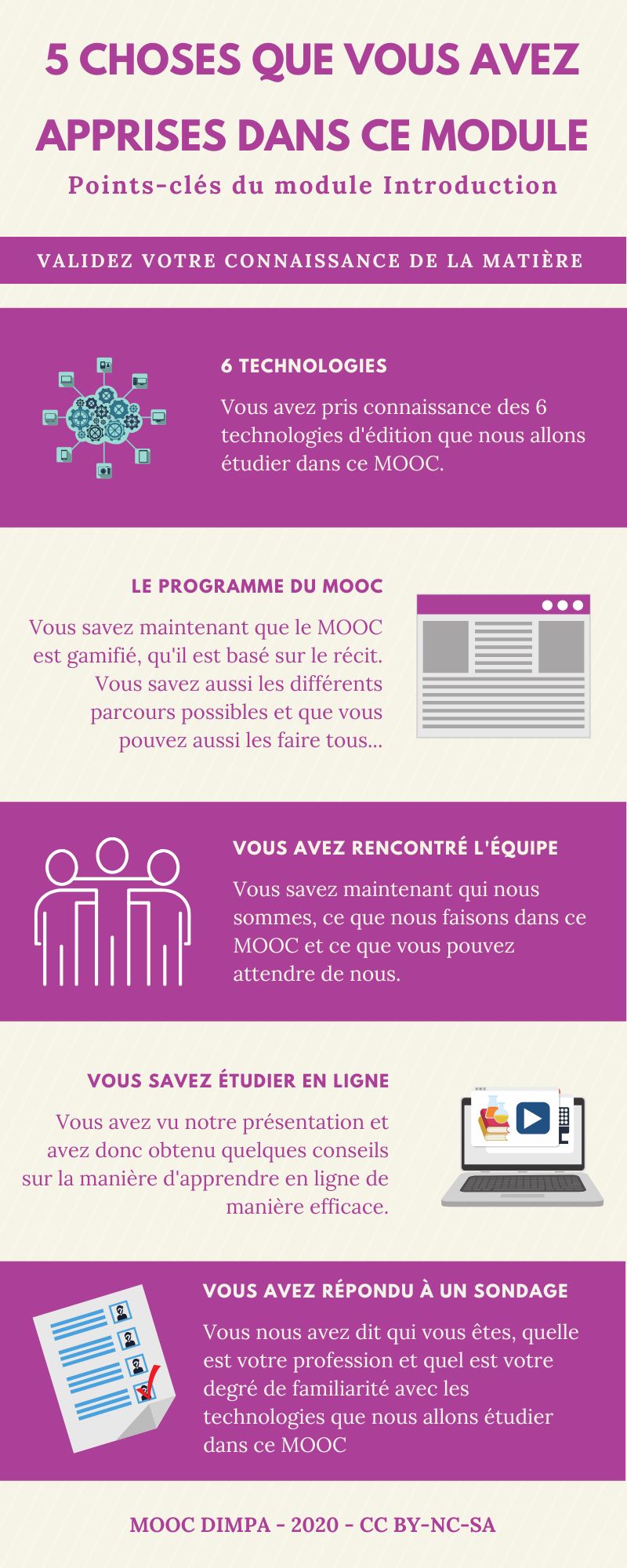
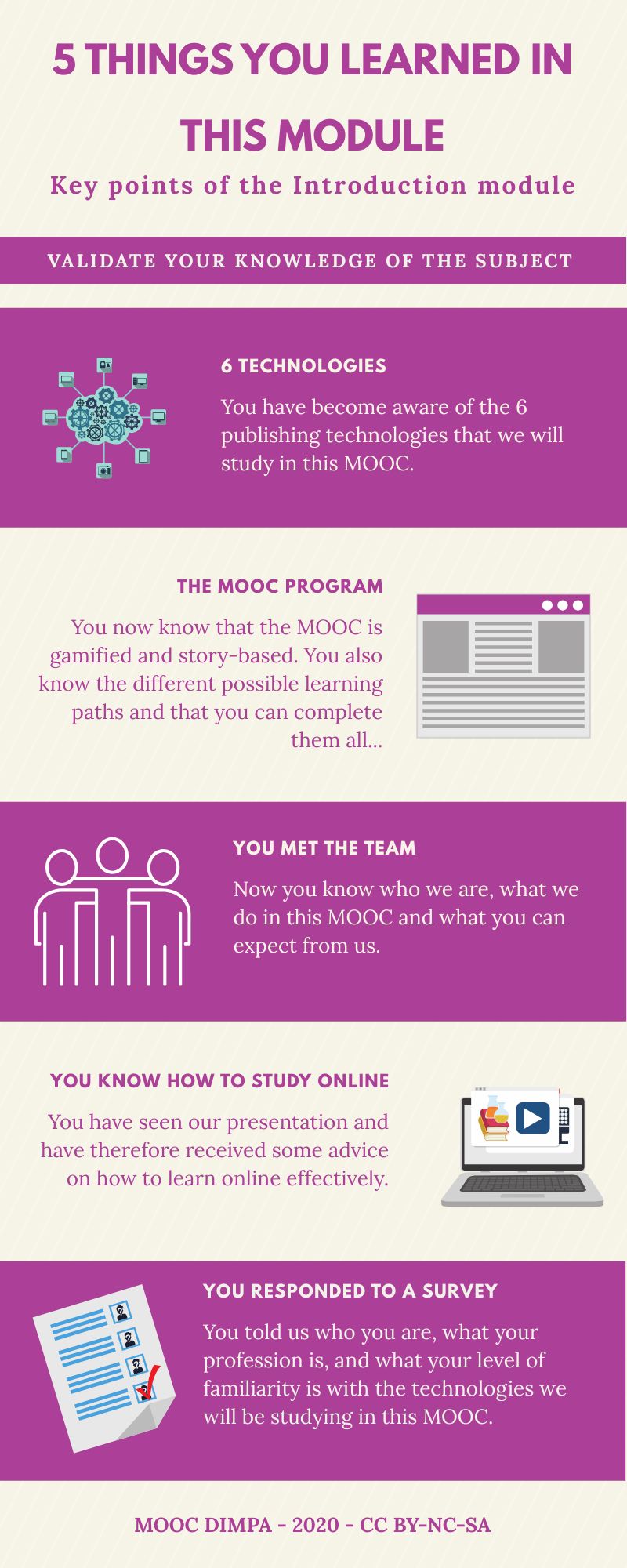
You can download this infographic as a PDF by clicking the button below:
As you can see, the infographic summarises each of the five key concepts covered in this introductory module.
Here’s another idea that will save you time and help reinforce the concepts in your students’ minds: get them to create this summary in the form of an infographic, either individually or in small groups. Then bring everyone’s work together. And let them vote for the best infographic. This could become a regular feature of your course. It’s a dynamic way to get your students to revise without it seeming too much like revision.
Consolidating concepts in your memory using a mind map
If you do not have Canva for Education or if there isn’t a strong enough Wi-Fi connection, ask your pupils to create an infographic by hand. Or a mind map that summarises the lesson in the same way. Here is a mind map generated automatically using MindmapAI, the AI-powered mind-mapping software from the previous infographic.
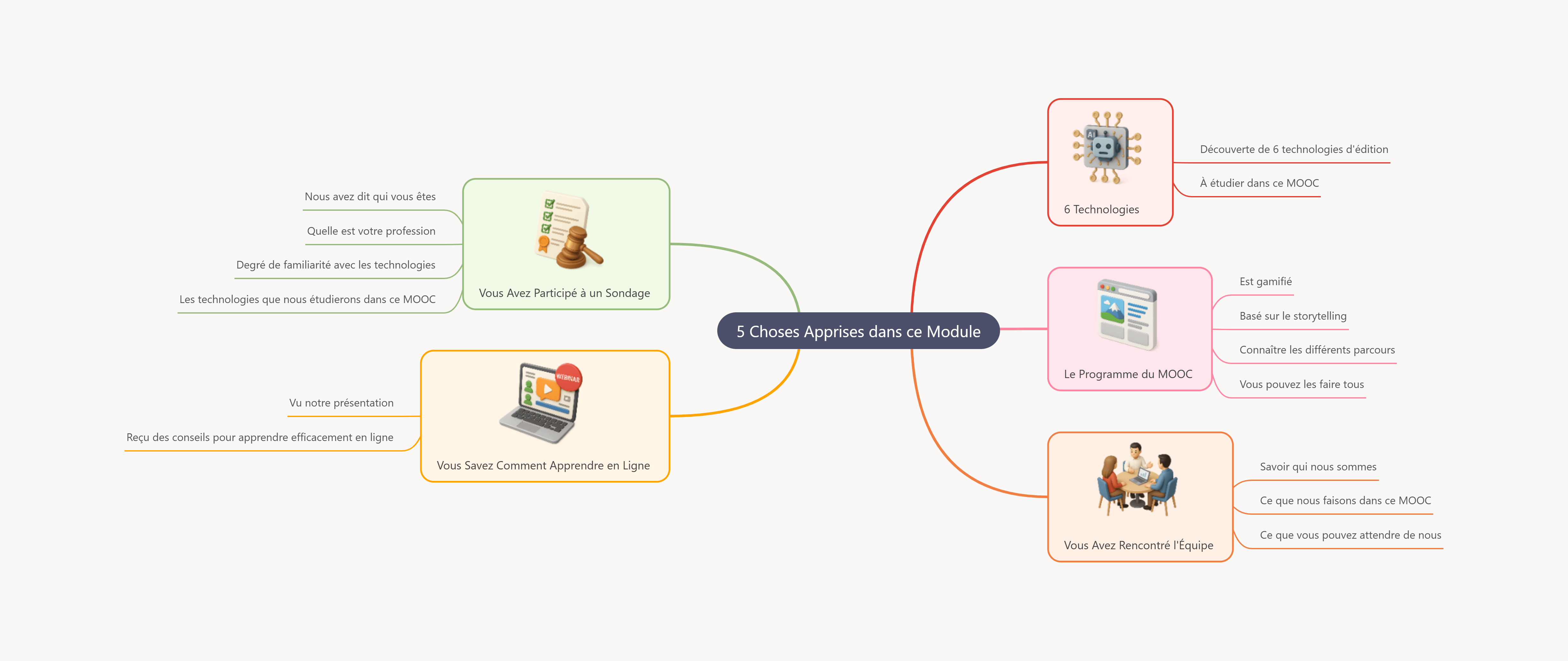
You can also download the PDF format by clicking on the button below.
Ce type de carte mentale peut être réalisé avec n’importe quel logiciel ou encore à la main. Encouragez vos étudiants à créer de tels résumés. Je vous en gives another example here. Now it’s your turn 😉
Did you enjoy this article? Subscribe to our newsletter Enjoy this article? and don't miss out on any more publications! It's free and guaranteed spam-free!
 English (UK)
  Français
  Italiano
  Español
  Português
So what do you think? Tell us all about it!